
Change DNS Information

If you purchased a domain name from the Truepath domain store and you now wish to host that name with Truepath, here are the steps to do so.

Step 1:

How can I change my DNS information to host with Truepath?

To change DNS information

Go to this link http://store.truepath.com (or http://manage.opensrs.net if you didn’t buy your domain at store.truepath.com)
ns1.truepath.com

ns2.truepath.com

ns3.truepath.com

Please remove all existing name server entries. There should be no other name servers listed.

Please allow 24 – 48 hours for your change to propagate throughout the Internet.

Step 2:

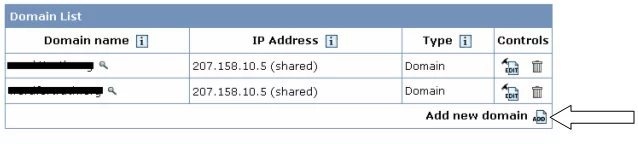
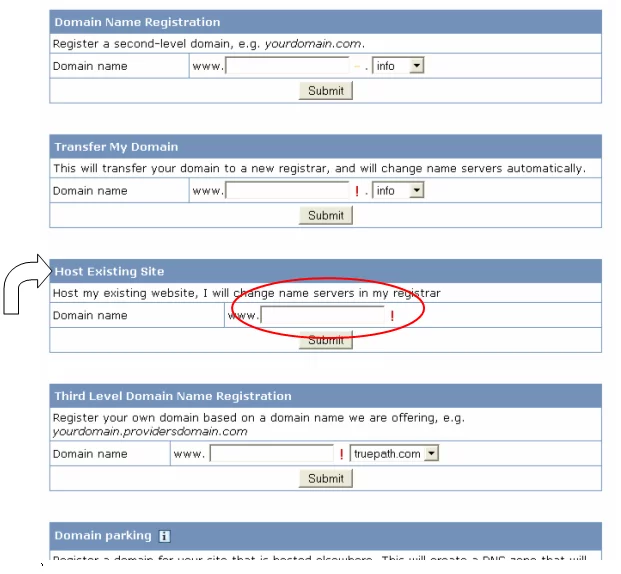
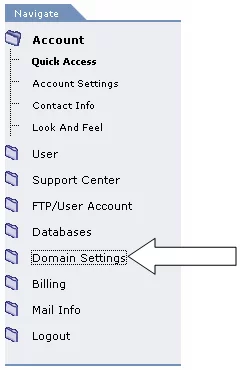
How do I add the domain name to my hosting plan?

Truepath
Privacy Overview

This website uses cookies so that we can provide you with the best user experience possible. Cookie information is stored in your browser and performs functions such as recognising you when you return to our website and helping our team to understand which sections of the website you find most interesting and useful.