Creating Email Accounts in cPanel

To access your cPanel you will have to log into WHMCS

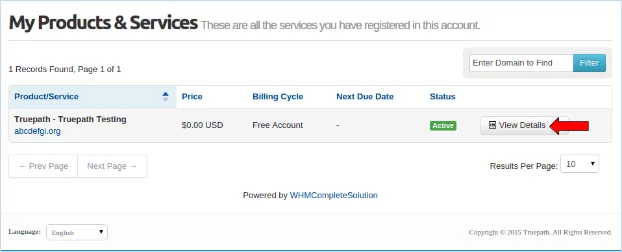
From the account overview page select the “Services” menu and navigate to “My Service”.

This will take you to the Products and Services page.

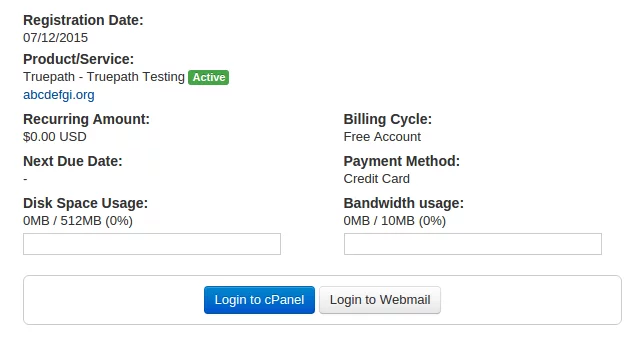
This will open another browser tab with your cPanel account.

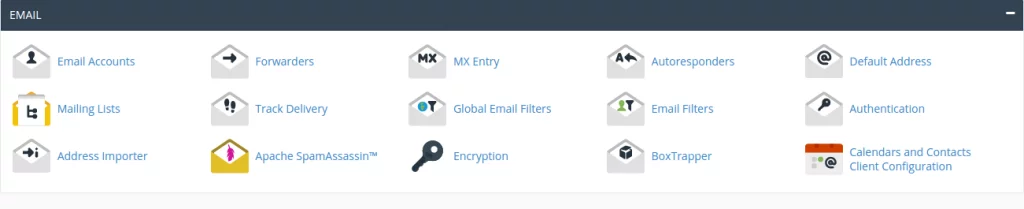
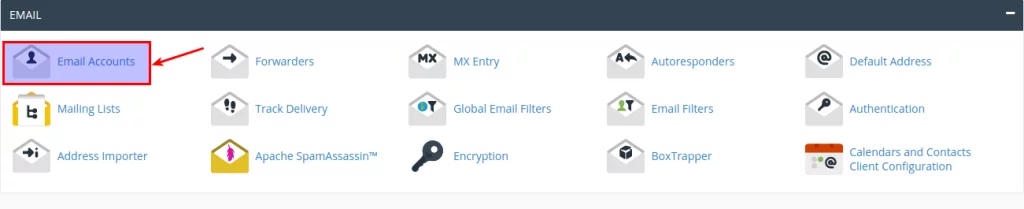
Click “Email Accounts.”

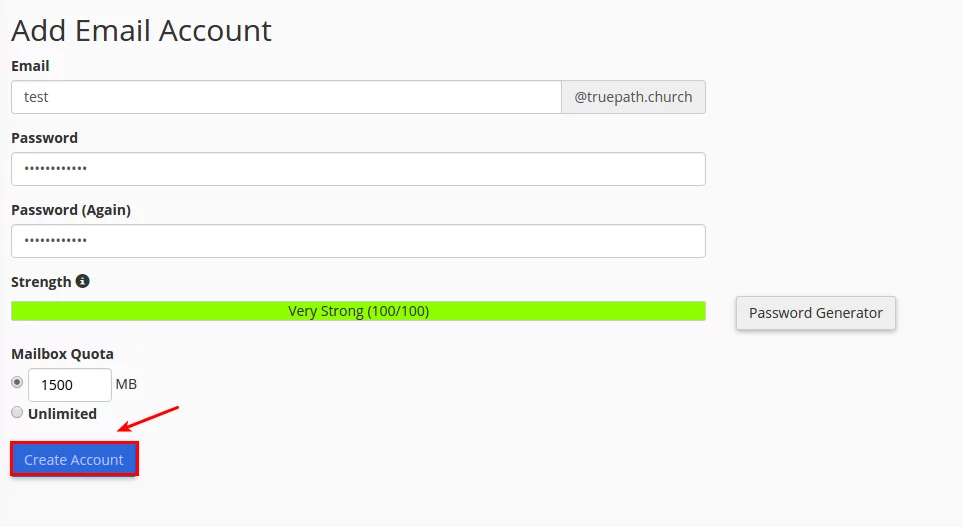
Fill in the required fields. Passwords should Be between 10-12 characters long and include 1 uppercase, 1 lowercase, 1 number, and should not be a dictionary word.

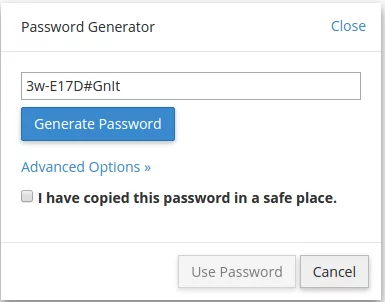
To have the system generate a password for you select “Password Generator”.

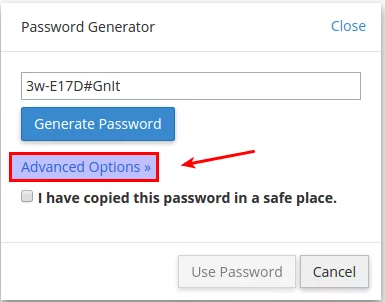
Click “Advanced Options.”

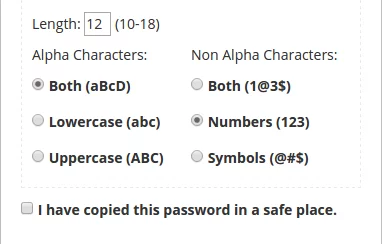
Change the “Non Alpha Characters” to the “Numbers” option.

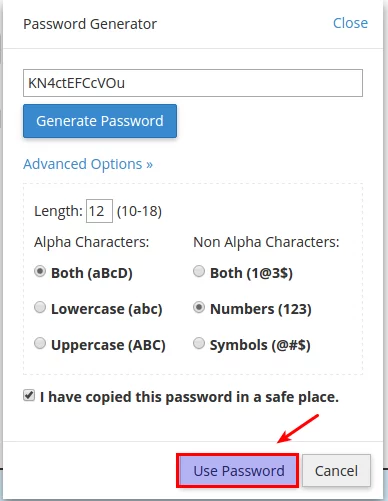
Select the check box to indicate you have copied the generated password to a safe place.

Click “Use Password.”

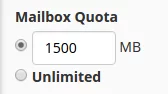
Change the mailbox quota to 1500 MB.

Click “Create Account”.

Truepath
Privacy Overview

This website uses cookies so that we can provide you with the best user experience possible. Cookie information is stored in your browser and performs functions such as recognising you when you return to our website and helping our team to understand which sections of the website you find most interesting and useful.